You want things clear, simple to change, and growing in today’s digital design. That is why vector graphics are highly important and widely used across modern graphic design tools. The creation of stuff using vectors can highly enhance your designs, be it artwork for printing, illustrations, logos, or even embroidery, while fully leveraging vector graphics’ benefits.
What Are Vector Graphics?
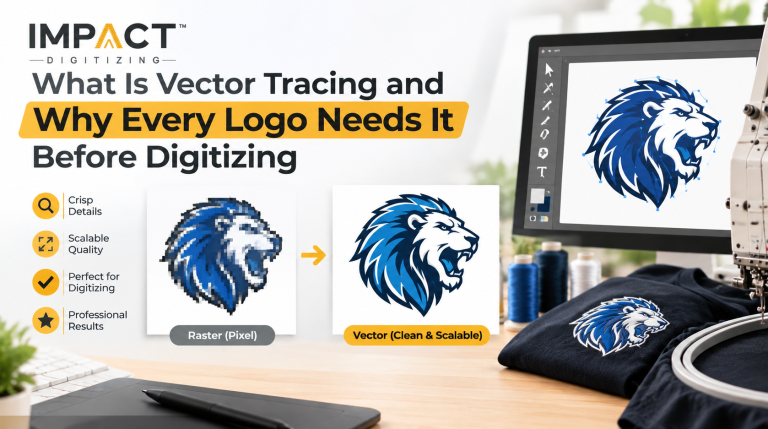
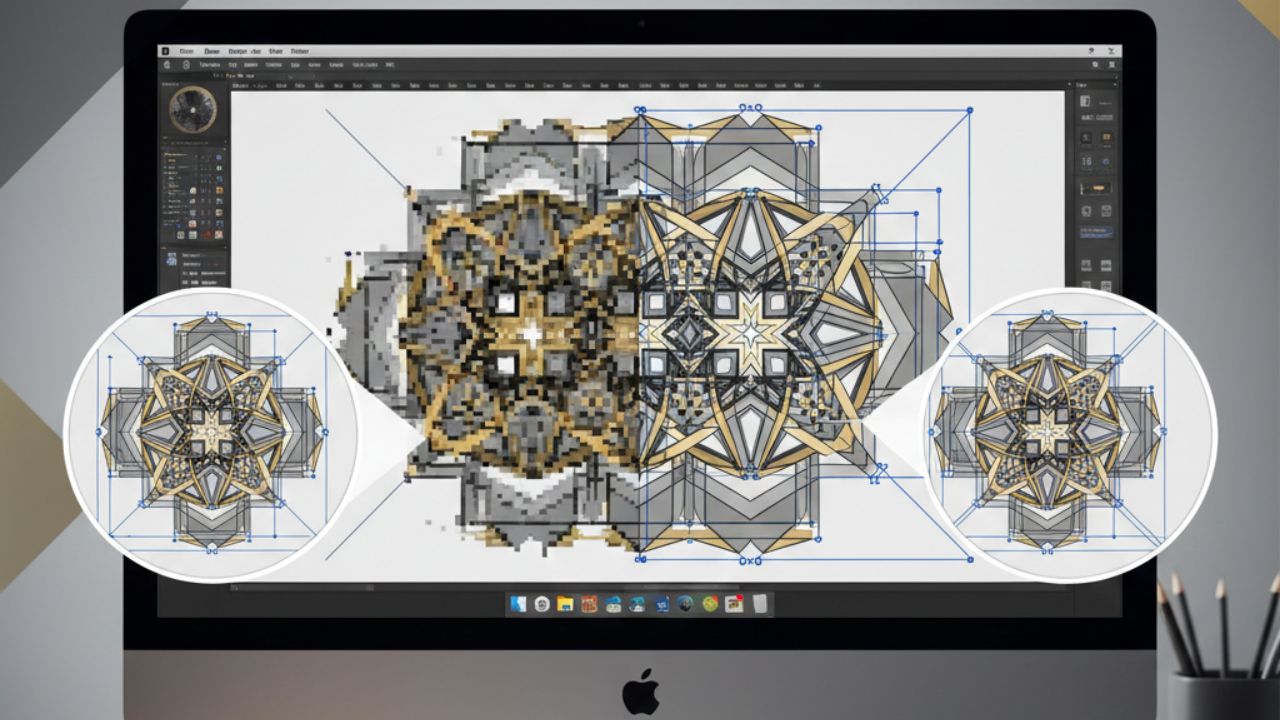
Vector graphics are images that are created based on mathematical paths, rather than pixels. Mathematically defined points, curves, lines, and shapes come into consideration to allow the artwork to be scaled without eventually degrading in quality. These paths are the foundation of clean vector illustrations used in professional workflows.
Common vector file formats include:
- AI (Adobe Illustrator).
- SVG (Scalable Vector Graphics).
- EPS.
- PDF (vector-based).
Unlike images formed through pixels, however, vectors have crisp edges and clean lines, making them ideal for precision-based graphic design tools.
Vector vs Raster Graphics: A Clear Comparison
Understanding the difference between vector and raster graphics can be a real advantage to designers trying to avoid production delays and pitfalls.
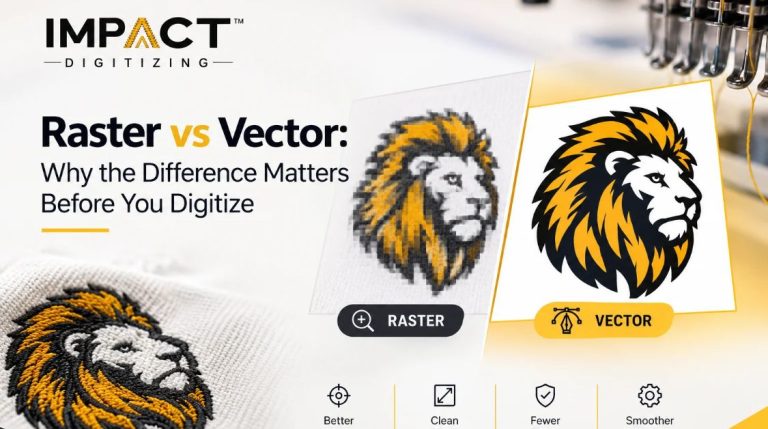
Raster Graphics (Pixel-Based)
- Made of fixed pixels.
- Lose quality when enlarged.
- Best for photographs.
- Common formats: JPG, PNG, GIF, BMP.
Vector Graphics (Path-Based)
- Built using mathematical equations.
- Scale without distortion.
- Best for logos, icons, typography, and embroidery through precise vector images.
- Common formats are: AI, SVG, and EPS.
Key Difference: Raster and vector graphics vary fundamentally in one area. Vector graphics don’t depend on a resolution as raster graphics do. This clearly highlights the significance of vector images over raster images.
Key Vector Graphics Benefits Designers Rely On
Vector graphics permit scalable, editable, and beautiful designs. Impact Digitizing utilizes vector graphics for precise embroidery, printing, and professional results.
1. Infinite Scalability Without Quality Loss
The vector designs can be smaller or larger, like a business card or billboards, and can still be crisp and clean. The vector designs ensure logos, embroidery, and other printed matter can be easily resized, which is a major advantage when comparing vector vs raster graphics.
2. Perfect for Embroidery
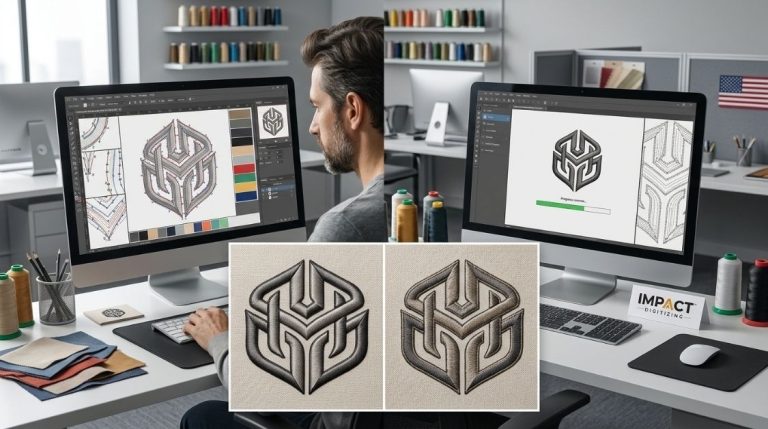
Clean vector paths improve stitch control and reduce thread breaks. They help optimize stitch count and ensure professional embroidery results, especially when working with production-ready vector illustrations.
3. Smaller Files & Faster Performance
Vector files are lightweight and load quickly. Sharing and working with designs becomes easier and more efficient across platforms and modern graphic design tools.
4. Easy Editing & Color Control
It is easy to change the color, shape, or line style. Design changes can be made without changing the whole design, which is one of the practical advantages of scalable vector graphics.
5. Wide Software Compatibility
Vectors can also be used, and you can use this with computer applications such as Illustrator, CorelDRAW, Affinity Designer, or Inkscape. This prevents mistakes involving collaboration in the production of the same thing.
6. Ideal for Printing & Manufacturing
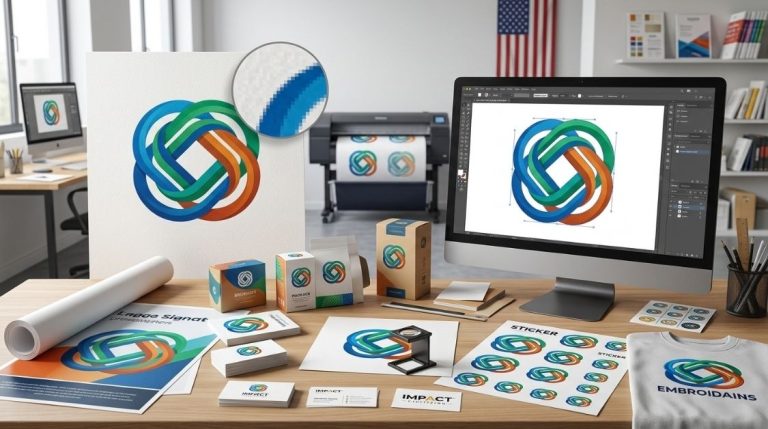
Vector graphics are particularly useful for printing, cutting, embroidery, and other operations. Their designs can be interpreted precisely and accurately each time.
7. Sharp Typography & Logos
The text and logos used appear clear and sharp, regardless of their size. This ensures the required clarity in terms of text and logos, with no blurry border as seen in well-prepared vector illustrations.
Why Vector Graphics Matter for Embroidery and Printing
Many competitors focus only on web or animation use, but vector graphics are essential in physical production. Vector files are a base used by Impact Digitizing for correct embroidery digitization services, as correct embroidery cannot be obtained from a raster image file.
For the business or a designer, Impact Digitizing’s vector service offers precise, scalable images for printing, embroidery, or branding. In screen printing, DTG, or signage, the precision required is achieved with the help of scalable vector graphics with no requirement for guesswork or changes.
Scalable Vector Graphics (SVG): A Modern Advantage
Scalable vector graphics is a website-friendly vector format that:
- Scales automatically on all screen sizes.
- Loads faster than raster images.
- Supports animation and interactivity.
- Improves SEO and Accessibility.
SVGs have become the norm in modern web design and UI programming.
Conclusion
With so many advantages of vector graphics, it is no longer a question of whether you should know about them, but a necessity for a design professional. Whether it is consistency, efficiency, production, or cost reduction, vector images beat their raster images in virtually all circumstances. Impact Digitizing is committed to giving excellent vector images to deliver impressive effects each time when needing design files that perform well for embroidery, printing, and the web.
FAQs
What are the benefits of using vector graphics?
With these qualities, they scale up or down without quality loss, are still editable, and can make precise, professional designs.
Why are vectors important in graphic design?
They also ensure sharpness, assist with branding consistency, and are applicable to print, embroidery, and digital media.
When should you use vector graphics?
Logo, icons, typography, print, embroidery, and scaling designs can all use vector files.
What is the most important thing about vector graphics?
They are resolution-independent, which means they scale to any image size.
Which format is used for a vector graphic?
These formats include AI, SVG, EPS, and vector PDF.