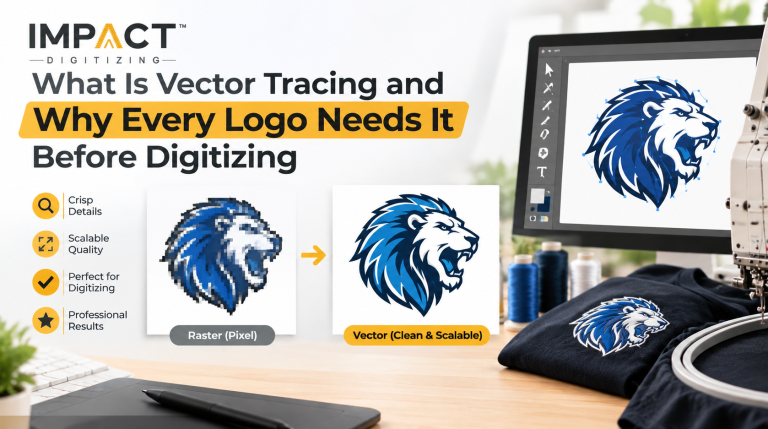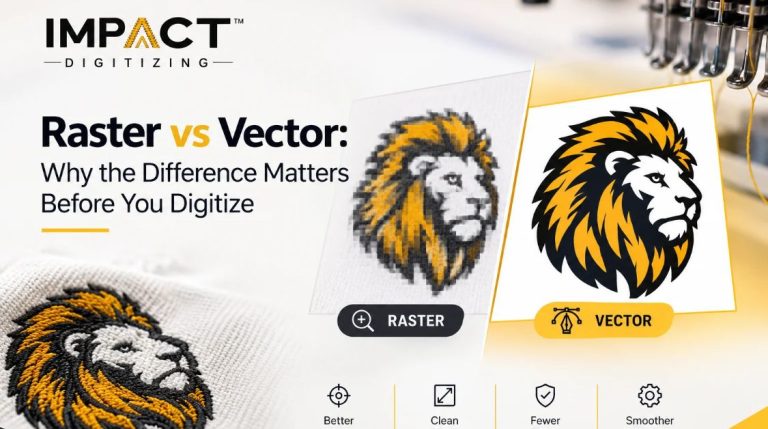
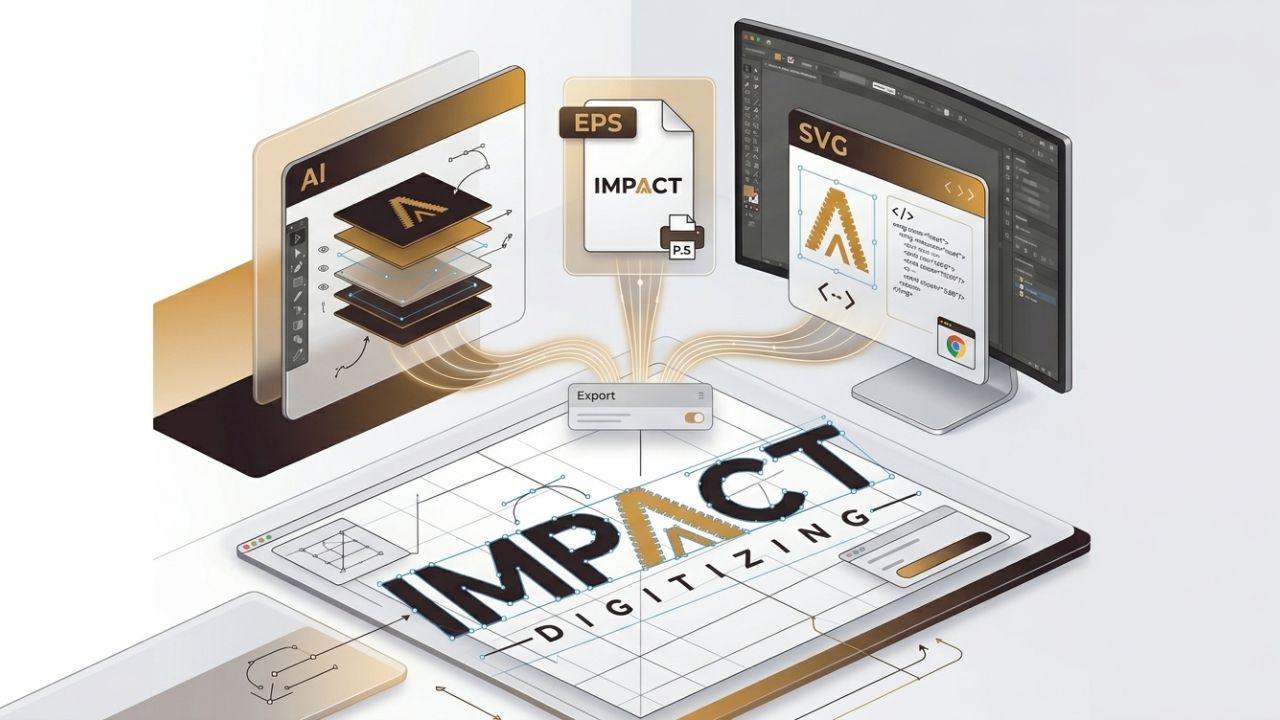
It is crucial for businesses as vector graphics can be enlarged without losing any detail. Picking the best vector formats for printing helps get clear print results, makes editing easier, and keeps branding the same everywhere. At Impact Digitizing, we explain AI, EPS, SVG, and PDF files and how to best use them for printing, online use, and sharing with clients. The AI file format explained shows why it’s the go-to choice for designers who need fully editable artwork.
Why Vector File Formats Matter for Design & Print
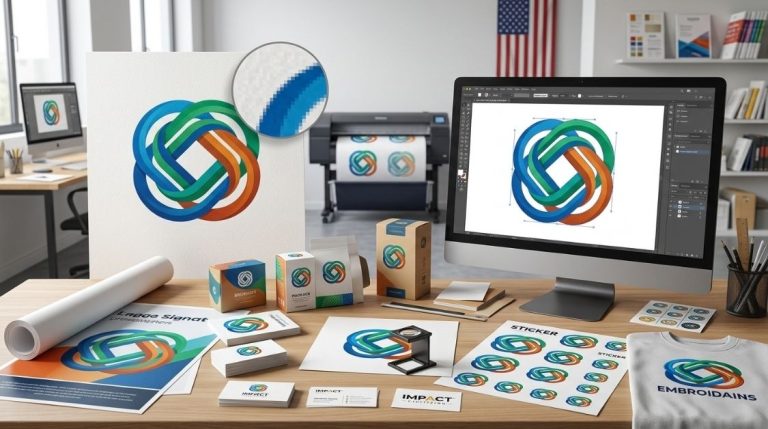
Vector graphics are made through mathematical lines as opposed to tiny dots. This implies that they can be scaled to any level and still maintain quality.
Key reasons vector formats matter:
- Scalability: You can make vector files larger for use in different applications, from a logo to a poster, all while maintaining their quality.
- Print compatibility: Commercial printers require vector graphics to ensure quality prints. Using the best vector formats for printing ensures smooth results every time.
- Editing flexibility: It’s easy to modify color, shape, and size in vector graphics.
- Consistent branding: Vector graphics ensure l look the same everywhere.
JPG and PNG images, being raster images, become distorted when resized. This is why most printing businesses do not accept artwork that isn’t in vector form. Learn more about high-quality vector graphics in our guide on the Art of Vectorized Images.
Quick Comparison: AI vs EPS vs SVG vs PDF
Picking the right vector formats for printing or design depends on the project. Here is a simple comparison of popular formats.
| Format | Best For | Software | Print Ready | Web Ready |
| AI (Adobe Illustrator) | Logo design, brand graphics | Adobe Illustrator | Yes | Limited |
| EPS | Commercial printing | Illustrator, CorelDRAW | Best | No |
| SVG | Web graphics & icons | Browsers, Figma | Limited | Best |
| PDF (vector) | Sharing & proofing | Most design apps | Yes | Yes |
Each format has its own particular purpose depending on the purpose of the graphic design: print, edit, or display on the Web. Understanding the AI file format explained makes it easier to choose the right format for your needs. For more examples and services, explore our Vector Art Services.
Adobe Illustrator (AI): The Industry Standard
For software like Adobe Illustrator, AI is the default format. This format belongs to vector graphics and is widely utilized.
Key Benefits
- 100% editable and layered artwork.
- Supports CMYK color models for printing purposes.
- Keeps record of typography, gradient effects, and complex objects.
- Useful file format for logo and branding design.
Limitations
- Requires Adobe Illustrator to edit and view.
- Not universally accessible without design software.
Because of its flexibility and editability, most designers consider AI the primary working format for vector graphics, and knowing the AI file format explained helps designers work efficiently..
EPS (Encapsulated PostScript): Best for Print & Press
EPS (Encapsulated PostScript) has been seen as one of the best vector formats for printing images as vector graphics.
Why printers prefer EPS
- Works with almost all printing and prepress systems.
- Saves artwork as complete shapes made of lines and curves.
- Supports CMYK color splitting and special colors.
- Utilizes several design programs, like Illustrator and CorelDRAW.
EPS is usually the safest format to utilize when sending artwork to printers or vendors because it works well with many systems.
SVG: The Web-First Vector Format
SVG (Scalable Vector Graphics) is made for digital use and modern websites.
Why SVG is ideal for web use
- Works with all major web browsers.
- Small file sizes make websites load more efficiently.
- Great for icons, logos, and user interface images.
- Looks clear on different screen sizes.
However, because SVG is not compatible with the colours needed for printing, it is rarely used for printing. For printing, formats including EPS or AI are preferable.
PDF Vector Files: Versatile and Shareable
PDF vector files are widely utilized because they can store both vector and raster data.
Advantages of vector PDFs include:
- Simple to share and open without design software.
- Supports embedded fonts and color profiles.
- Accepted by many print vendors and clients.
- Best suited for approvals and proofs.
A PDF file is considered to be a vector file if vector information is exported without any modification.
Which Vector Format Is Best for Printing?
Use case defines the best vector formats for printing.
| Use Case | Recommended Format | Reason |
| Commercial printing | EPS | Universal compatibility |
| Logo design | AI | Fully editable layers |
| Web graphics | SVG | Browser-native format |
| Client proofing | PDF (vector) | Easy to open |
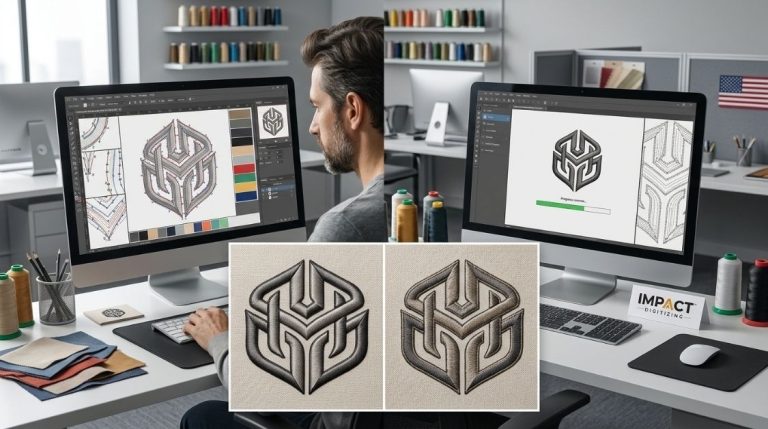
| Embroidery or vinyl cutting | AI / EPS | Clean vector paths |
Quick recommendation
- EPS: Safest choice for professional printing.
- AI: Best for editable design files, and knowing the AI file format helps designers save time.
- SVG: Ideal for websites.
- PDF: Best for sharing and proofing.
Conclusion
Vector formats play an essential role in designing and printing. AI enables you to alter anything entirely, EPS is perfect for printing, SVG format serves for web, and PDFs offer easy sharing. By choosing Impact Digitizing, businesses get premium graphics that scale up seamlessly and are consistent across print media, the web, and customer materials.
FAQs
1. What is the vector format for AI?
AI is Adobe Illustrator’s native vector format, fully editable and perfect for logos, branding, and print.
2. Which file format is best for vector graphics?
AI, EPS, SVG, and vector PDFs are best, based on use: print, web, or sharing.
3. What are AI, EPS, and SVG?
AI is Illustrator’s native format, EPS suits printing, and SVG is optimized for web graphics.
4. What is the vector format for printing?
EPS and AI are preferred for printing, providing clean, scalable, and professional-quality output.
5. Which file type is best for high-quality printing?
EPS is safest, AI is editable; both give crisp, scalable graphics for professional print results.