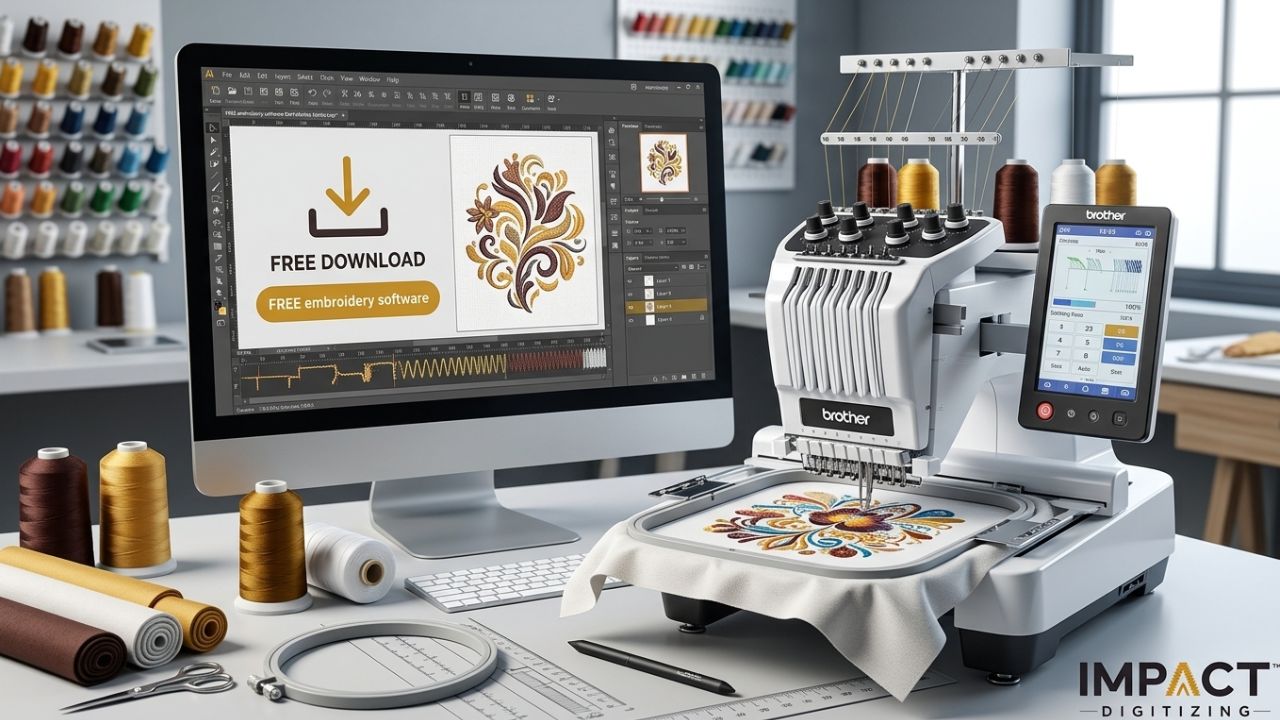
If you have a Brother embroidery machine, you might have looked for free download options for Brother embroidery software. Brother has strong embroidery software, but most of the complete versions cost money. There are some trustworthy tools that are free embroidery software for Brother machines. They are good for changing designs and simple digitizing.
For better stitch results, many embroidery businesses also rely on Impact Digitizing for professional digitizing services. This guide shows you the best free embroidery programs for Brother machines, what features you can expect, and how Brother’s software stacks up against free options.
Understanding Brother File Compatibility
Before downloading embroidery software, it is important to understand file compatibility. Most Brother embroidery machines use the PES file format, which stores stitch information, thread colors, and design settings. Some machines can also read DST files, but PES is the standard format.
Any software you choose should support PES export. Without proper compatibility, your design may not stitch correctly.
Before installing a program, make sure it:
- Supports PES file format.
- Allows resizing without damaging stitch density.
- Works with your operating system.
- Includes basic editing tools.
Choosing compatible software ensures a smoother design.
transfers and better embroidery results when working with free embroidery software for Brother and other embroidery programs. For more free options, check out the top free embroidery digitizing software.
Top Free Embroidery Software for Brother Machines
Below are some of the top free embroidery software options for Brother machines.
1. My Editor (Free PES Editing Software)
My Editor is one of the most reliable tools for Brother users who need simple embroidery editing features.
Features
- Open and edit PES files.
- Resize embroidery designs.
- Rotate, mirror, and reposition designs.
- Change thread colors.
- Convert between embroidery formats.
Limitations
- Cannot create designs from scratch.
- No advanced stitch editing tools.
For beginners and home users, My Editor works well for adjusting downloaded designs before stitching and is often used alongside free embroidery software for Brother. Mac users can find more tailored options in embroidery software for Mac users.
2. Ink/Stitch (Free Open-Source Digitizing Option)
Ink/Stitch is a free extension for the vector design program Inkscape. It allows users to convert vector artwork into embroidery designs.
Features
- Create embroidery designs from scratch.
- Manual stitch control.
- Satin, fill, and running stitch options
- Export designs directly to PES format.
Limitations
- Requires basic vector design knowledge.
- Has a steeper learning curve
- No automatic image-to-embroidery conversion
Ink/Stitch is a good option for hobbyists who want to create custom logos or artwork without purchasing expensive software like Brother’s embroidery software.
3. Artspira (Free Mobile Design App)
Artspira is Brother’s official mobile app available for iOS and Android devices. It allows users to create simple embroidery designs and send them to compatible Brother machines.
Features
- Built-in design library.
- Text and template editing.
- Simple sketch tools.
- Wireless design transfer.
Limitations
- Some features require a subscription
- Not designed for advanced digitizing.
Artspira is useful for beginners who want to create monograms or quick embroidery projects while exploring alternatives to Brother’s embroidery software.
4. BEaaS / BE Embroidery Tools (Cloud-Based Tools)
BEaaS and similar Brother cloud tools focus mainly on lettering and layout editing. They run directly in a browser and do not require installation and are sometimes discussed alongside the best software.
Features
- Add fonts and text to designs.
- Preview stitch layouts and thread colors.
- Create simple monograms and text logos.
Limitations
- Limited design creation tools.
- Mainly focused on text-based projects.
These tools work best for personalization and simplicity embroidery adjustments and are often compared with Brother’s best software for lettering-focused work. For more on common machine issues while using these tools, see Brother embroidery machine problems.
Official Brother Software (Paid Options)
Many users searching for Brother embroidery software free download eventually discover official paid programs.
Brother BES Software focuses on monogramming and lettering, offering advanced text tools for personalization businesses, and is commonly known as brother best software.
PE-DESIGN 11 is a complete embroidery software from Brother that lets you create designs automatically, edit stitches by hand, and turn photos into embroidery. It is one of the most advanced versions of Brother’s embroidery software available today.
For those exploring higher-end Brother machines, check out the Brother Entrepreneur Pro PR1000E review.
Conclusion
There is no completely free version of the professional Brother’s embroidery software for advanced design. Free tools are great for changing designs or making simple artwork. For beginners, My Editor or Ink/Stitch has all the basic tools needed to start making embroidery designs. But businesses and serious hobbyists can gain from buying professional Brother software, such as Brother’s best software, for improved control, precision, and better quality of their work. At Impact Digitizing, we recommend using these tools to elevate your embroidery projects and achieve professional-grade designs.
FAQs
What is the best free embroidery software for Brother?
My Editor and Ink/Stitch are top free options for beginners.
Does Brother provide embroidery software?
Yes, Brother offers BES Software and PE-DESIGN for paid use.
Which file type is best for Brother machines?
The PES format is standard for Brother embroidery machines.
Can I download Brother embroidery software for free?
Official Brother software is paid; free versions exist only for editing basic designs.
What common problems occur with Brother machines?
Thread breaks, misalignment, or PES file compatibility issues are most common.