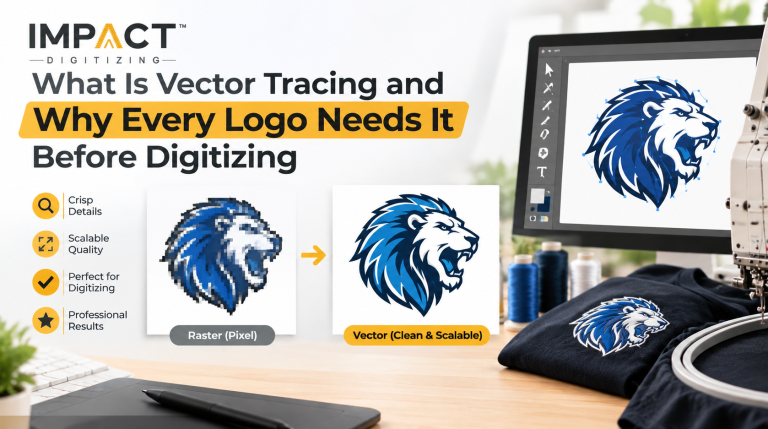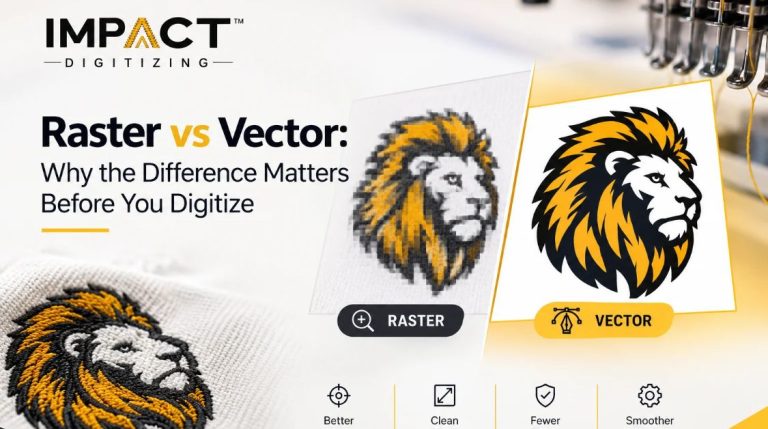
Raster to vector conversion services transform raster images into scalable vector images. This process ensures that logos, drawings, and images look sharp regardless of the scaling size. At Impact Digitizing, we offer professional services on the vectorization of artwork that needs clean, editable, and high-quality vector files for branding, embroidery, or printing.
What Is Raster to Vector Conversion?
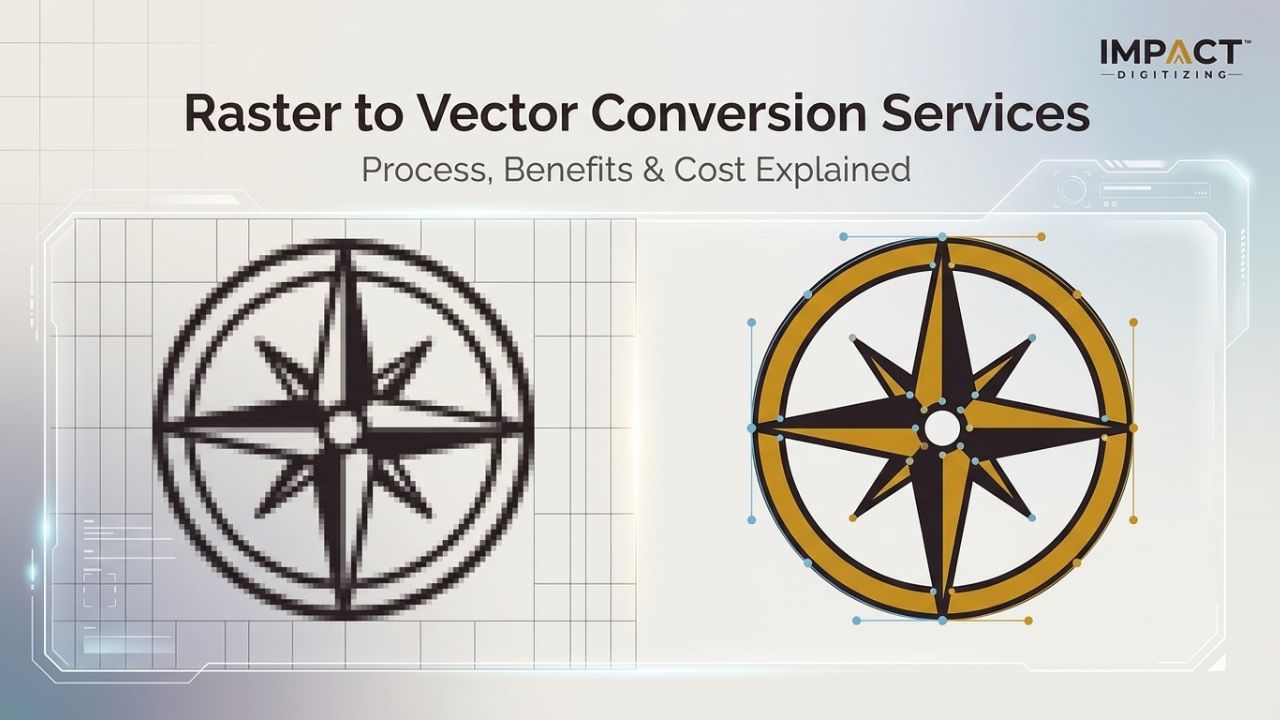
Raster to vector conversion means the transformation of images from being pixel-based to being able to scale without compromising their quality. Raster images include JPEG, PNG, BMP, and GIF and consist of dots known as pixels. Vector graphic images utilize mathematical calculations, meaning that they can be scaled to any extent. Illustrators or specialized vector graphic artists are used by designers to trace images and produce high-quality vector images ready for printing. For professional results, you can explore detailed vector art services at Impact Digitizing’s, which explains how manual tracing ensures clean, scalable artwork.
How the Raster to Vector Conversion Process Works
Conversion from raster to vector format is done according to the professional method that guarantees high accuracy and good results.
1. File Submission
Upload your raster image, like JPEG, PNG, scanned artwork, or a photo.
2. Image Analysis
Designers review the image to evaluate color count, complexity, and clarity.
3. Vector Tracing
Artists use Adobe Illustrator to manually trace shapes, curves, and colors, making clean paths.
4. Cleanup & Refinement
Vectors have smooth edges and shapes; colors match the original illustration.
5. Format Export
The final vector file is provided in SVG, AI, EPS, or PDF formats, tailored to your project’s need convert image to vector.
6. Revision & Delivery
Clients review the file and request revisions if needed before final delivery.
There is an effective procedure followed by experts to ensure accurate vector tracing services to convert images to vector form.
Automatic vs. Manual Vector Tracing
| Feature (Speed) | Automatic Tracing (Very fast) | Manual Tracing (Slower) |
| Accuracy | Basic quality | High precision |
| Complex logos | Often messy | Clean results |
| Embroidery use | Not recommended | Ideal |
| Cost | Free tools | Professional service |
The automatic software, such as Illustrator Image Trace, transforms images fast but results in messy paths, whereas the manual tracing creates clean vectors for printing purposes.
Key Benefits of Professional Vector Art Services
Professional vector art services offer several advantages for businesses and designers.
Unlimited Scalability
Vector graphics remain sharp from small labels to large billboards.
Editable Artwork
Colors, shapes, and sizes can be edited easily.
Print-Ready Files
Vector artwork is required for screen printing, embroidery machine operation, and vinyl cutting.
Multiple Formats
One conversion can provide several formats such as SVG, AI, EPS, and PDF.
Future-Proof Branding
A master vector logo can be used across all digital and print materials.
Image to Vector Conversion Cost Explained
The image-to-vector conversion cost depends on the design’s complexity and detail level.
| Tier | Example | Price | Turnaround |
| Simple | 1–2 color logo | $5 – $12 | 12–24 hrs |
| Medium | Multi-color logo | $15 – $30 | 24–48 hrs |
| Complex | Illustration or mascot | $35 – $50+ | 48–72 hrs |
Pricing is based on colors, artwork complexity, and image quality; professional services often include revisions and delivery in several vector formats. Companies that want to convert an image to vector will benefit from transparent pricing.
Vector File Formats Explained
Different vector formats are used depending on the project.
| SVG | Websites and digital graphics |
| AI | Editing in Adobe Illustrator |
| EPS | Screen printing and large prints |
| Universal sharing and printing | |
| DXF | CNC machines and laser cutting |
| SVG | Websites and digital graphics |
Professional services usually provide files in multiple formats so you can convert an image to a vector for different platforms.
Who Needs Vector Tracing Services?
Many industries rely on vector tracing services.
- Embroidery businesses that need clean paths for stitching
- Screen printing companies for color separations
- Graphic designers fixing low-resolution client logos
- Startups and brand owners building scalable brand assets
- Sign shops that print banners and billboards
- CNC or laser cutters that require DXF or SVG files
Everyone who is designing logos or branding will have use for vector images at some stage.
Why Choose Impact Digitizing
Impact Digitizing provides reliable conversion from raster to vector solutions for businesses worldwide.
- 100% manual tracing by experienced designers
- Fast turnaround within 24–48 hours
- Affordable image to vector conversion cost starting at $5
- Delivery in all major vector formats
- Unlimited revisions until you are satisfied
Our vector art services are trusted by embroidery shops, designers, and print companies looking for accurate and clean vector artwork.
How to Convert Your Image to Vector
Getting your artwork converted is simple.
- Upload your image (JPEG, PNG, or PDF).
- Choose your preferred format, such as SVG, AI, or EPS.
- Receive your vector file within 24–48 hours with revision options.
Professional raster to vector conversion solution ensures your artwork is ready for print, embroidery, or digital use.
Conclusion
Raster to vector conversion will ensure that your image is crystal clear, simply scalable, and professional. Vector graphics have many uses as they can be used for printing, stitching, and branding purposes, among other applications. Impact Digitizing offers you accurate manual tracing, multiple vector formats, and reliable services for maintaining your business graphics at high-quality standards.
FAQs
What is raster to vector conversion?
Raster to vector conversion changes pixel images into scalable vector graphics without losing quality.
What are the benefits of using a vector image?
Vector images stay sharp at any size and are easy to edit.
What are the benefits of vector processing?
Vector processing improves scalability, editing flexibility, and print quality.
What AI tool converts raster to vector?
Tools like Adobe Illustrator’s Image Trace and online vectorizers convert raster images to vectors.
What is the use of a vectorizer?
A vectorizer converts pixel images into scalable vector artwork for printing and design.