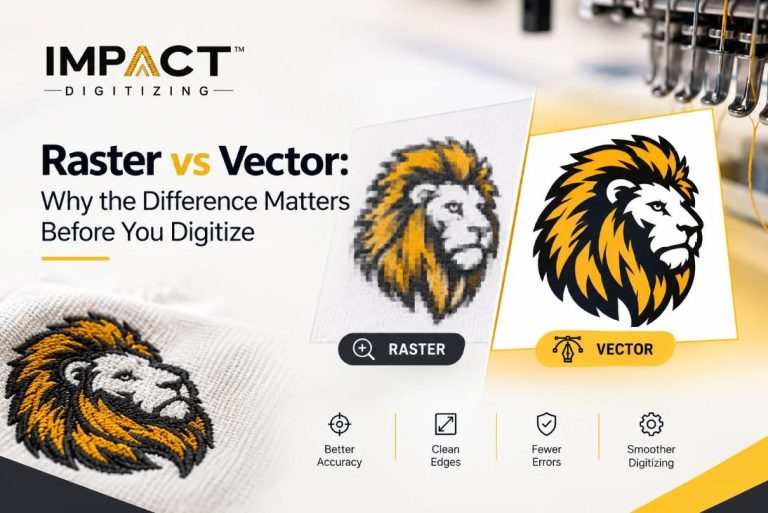
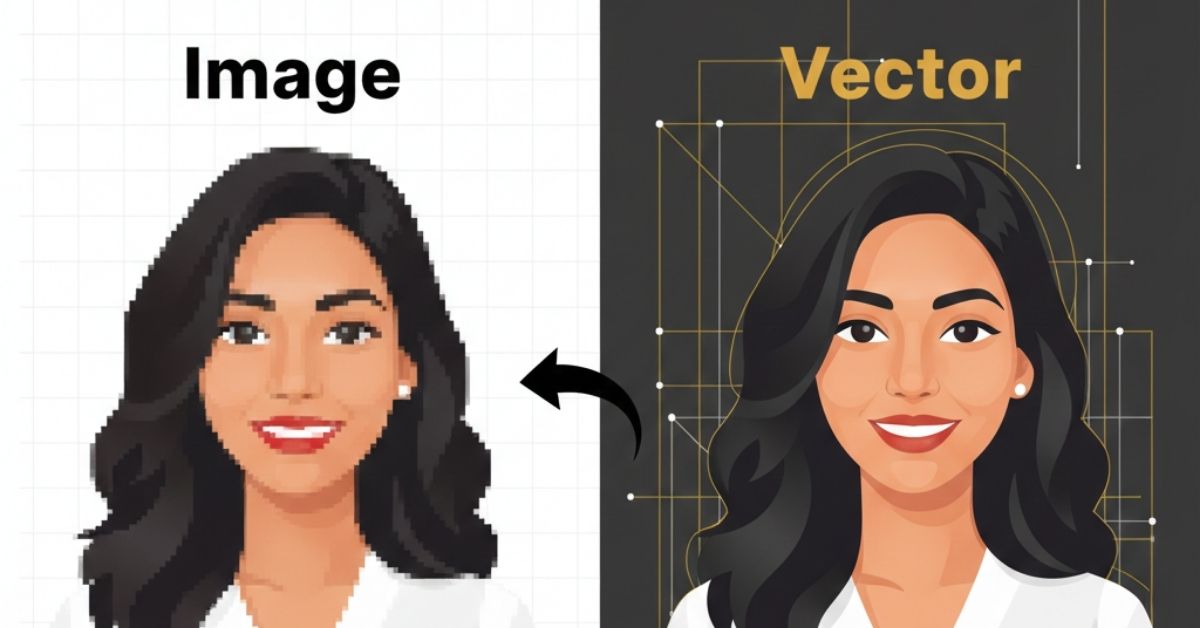
Currently, thanks to technology, everyone can learn how to convert JPG to a vector image. JPG stands for Joint Photographic Experts Group. That is what the name suggests. That is the abbreviated term for it. A file is composed of many small dots known as pixels. Enlarging or even manipulating an image is likely to render it pixelated and unclear. A vector image, on the other hand, utilizes graphic lines generated mathematically, which are scalable and remain clear and never pixelated, even when enlargement is performed to an infinite degree. This will be useful in logo creation or graphic design, printing, and more.
This guide gives you a comprehensive overview of converting JPG image files to make vector graphics. The blog contains pros, techniques, and tips to ensure you create professionally made graphics.
What Is JPG to Vector Conversion?
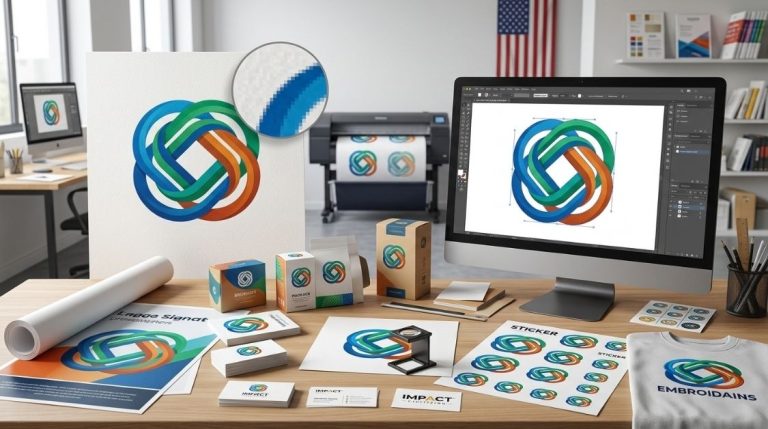
JPG to Vector is the process of changing the image from a dot matrix format consisting of a series of dots known as pixels to a line matrix format consisting of a series of lines and shapes. The second major difference between the two is that an image consisting of a series of small dots known as pixels will appear pixelated if enlarged or reduced in size, whereas a line matrix image relies on mathematical equations to generate the lines and shapes.
Converting an image from JPG to vector format means “creating” an image using lines and shapes that can then be enlarged or reduced, printed, or modified without losing its quality.
Why Converting JPG to Vector Matters
Turning JPG pictures into vector images has many benefits:
Infinite Scalability
Vector graphics can be made bigger from small pictures to large signs without getting blurry. This is very important for logos, branding, and printing work.
Precise Editability
Every detail, such as lines, figures, and colors, acts independently in a vector graphics image. This allows ease in scaling, coloring, and customization.
Efficient File Sizes
Vector images require less data than raster images, particularly when they contain lines and shapes as opposed to detail.
Professional Printing
Vector images also remain sharp and distinct irrespective of the position in which they are used, thus making them excellent for printing t-shirts, posters, signs, and other promotional materials.
Versatility
Vectors are able to interface well with many design applications and computer programs, and as such are easy to handle, whether for web design or printing purposes.
JPG to Vector Conversion Techniques
There are two basic techniques for converging JPG images into vector images:
Automatic Conversion Tools
New software has tools that automatically change pictures made of pixels into smooth lines and shapes quickly. Some popular choices are paid graphic design software or free programs for creating vector images.
- Pros: Fast and easy to use
- Cons: May oversimplify detailed images
For simple artwork, such as a logo, an icon, or a simple drawing, the automatic tools are good.
Manual Vector Tracing
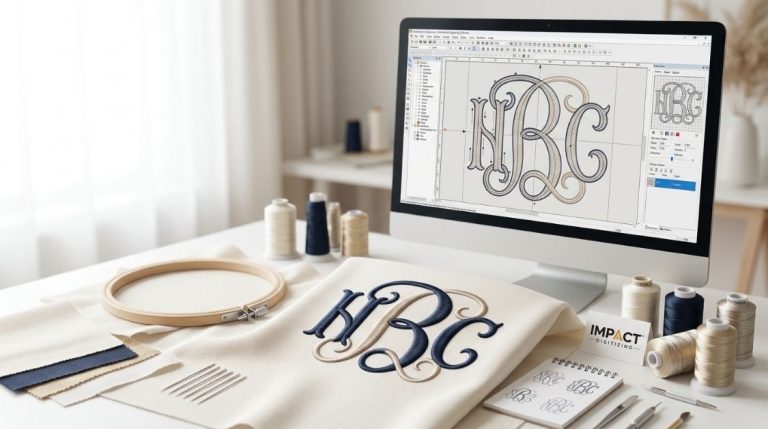
For more complicated or detailed designs, designers draw images by hand with special tools, like the Pen Tool or Bézier curves. This way makes sure the results are correct and neat.
- Pros: High precision and professional output.
- Cons: Time-consuming and skill-intensive
Tracing by hand is the best mode of tracing complicated illustrations or artwork.
Step-by-Step Process for Conversion
There is a general process for performing the conversion from JPG to vectors as follows:
- Open your JPG file in vector software.
- Use a tool to turn an image into vector shapes.
- Make the traced image bigger so you can change it.
- Improve the precision and clarity of edges, curves, and anchor points.
- The vector file can be saved in SVG, EPS, AI, or PDF formats.
You will learn how to convert JPG to vector to create clean, scalable, and professional vector graphics from JPG by following these instructions.
Best Practices for High-Quality Conversion
- Use sharp pictures for better results.
- Make complicated pictures easier to trace accurately.
- Clean up the paths after changing them to get rid of extra points.
- Choose the proper tool depending on how complex your image is.
Don’t start with poor-quality JPG images, rely on automated tracing alone, and skip the step of improving the image to ensure a good result for the vector image.
Popular Vector Formats
- SVG: Great for using on websites.
- EPS: Best for printing and work projects.
- AI: The original format used by Adobe Illustrator.
- PDF: Works well with many devices and programs.
Picking the right format ensures that your graphics and images will be effective on other platforms.
When to Use Professional Vector Services
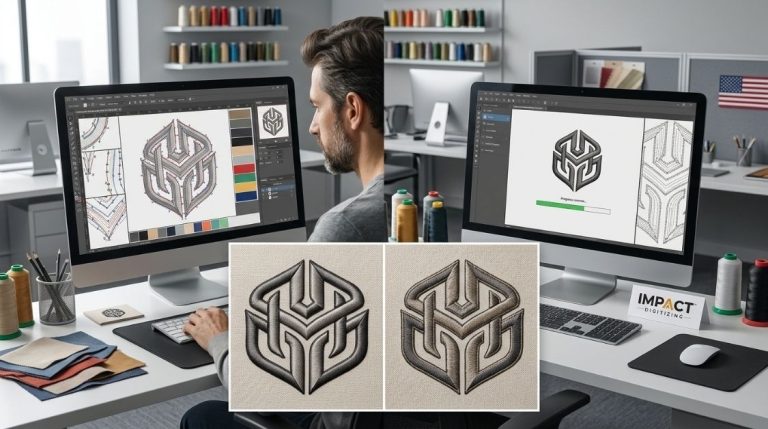
It is always advisable to make use of professional vector services in case one requires detailed logos or design files. Professionals would ensure that no path is obstructed and that sizes are just correct, along with flawless details.
Conclusion
Learning how to use JPG files and convert them into a vector image file has a significant role in creating high-quality and flexible images with ease and accuracy through effective editability. Converting a JPG file into a vector file provides full control and ensures the artwork appears clear and sharp at any location, whether it would be printed or put on websites for design purposes, through the effective use of necessary tools and improvement in drawing with good pictures.
Impact Digitizing transforms your JPGs into precise, scalable vector files, ensuring professional results every time.
What is the best JPG to vector converter?
Through the use of Adobe Illustrator, one can easily convert top-grade JPG images to vectors.
How to vectorize an image for free?
You can convert JPG images into vector images for free, using software like Inkscape and online converters.
How to convert a JPG into a vector?
Import the JPG into vector software, trace it into paths, refine edges, and export as SVG or EPS.
Can you convert a JPG to a vector in Canva?
Get crisp, resizable images with the SVG converter. Convert your JPG and PNG files into vector images using the SVG converter on Canva.
How to vectorize an image without Illustrator?
You can convert a JPG photo into a vector image using free programs like Inkscape.