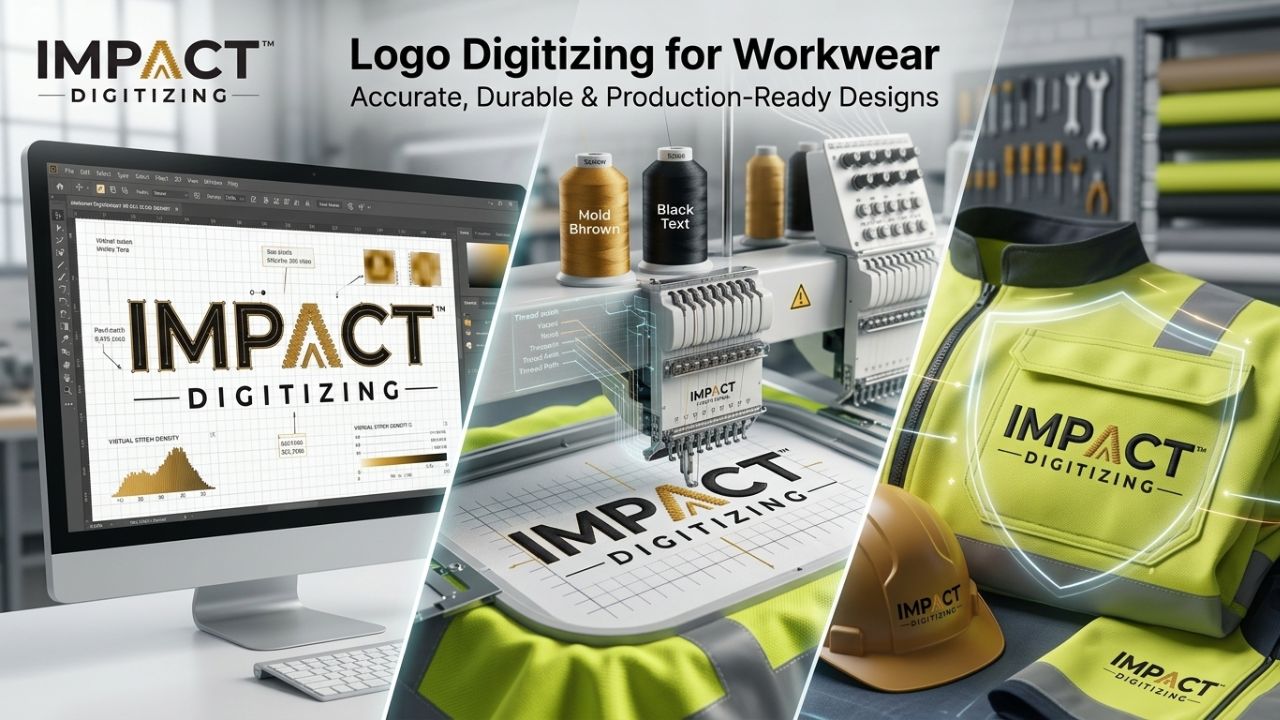
Digitize logos for embroidery to make your design more distinctive and recognizable when stitched onto work clothes and safety uniforms. Our experts at Impact Digitizing create perfect files for embroidery machines, keeping all colors true and clear to produce unique logos for polo shirts, jackets, and safety apparel. Using professional logo digitizing for uniforms ensures that every design is perfectly adapted to the material, giving a high-quality finish.
Why Proper Logo Digitizing Matters for Uniforms
Adding a logo to a polo shirt, a jacket, or a safety shirt does not just make it beautiful; it assists in promoting your company and expressing its unity. But a stitching machine cannot understand images in formats such as JPG or PNG. Instead, it requires special stitch files that instruct it where to place and how to stitch the thread.
The finished product can have poorly stitched and wrinkled threads if someone tries to stitch a design from a low-quality logo or uses poor embroidery services. This problem occurs particularly in products made of polyester and fleece, as they are not easy to embroider properly. That’s why getting the design digitally becomes very important before doing any sewing work. Proper logo digitizing for uniforms ensures your design retains its clarity and sharpness after every wash, making it perfect for professional custom embroidery logos.
Step-by-Step: How Logo Digitizing Works
Here are some processes involved when professionals digitize your logo for embroidery:
- Logo Submission
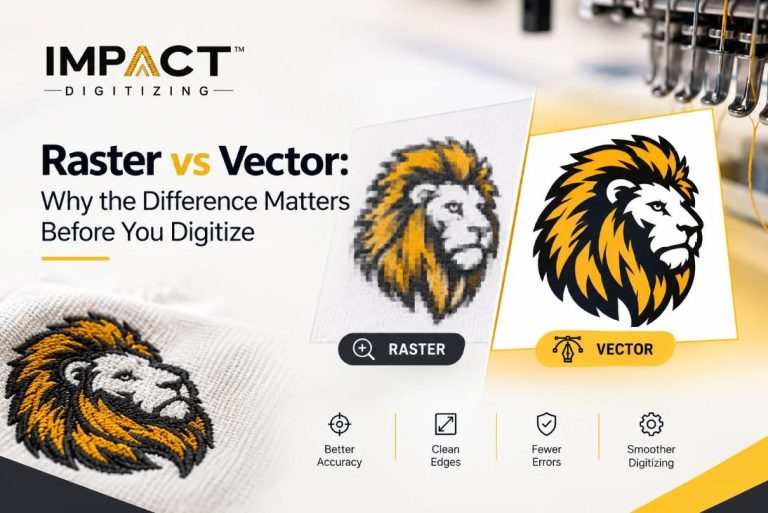
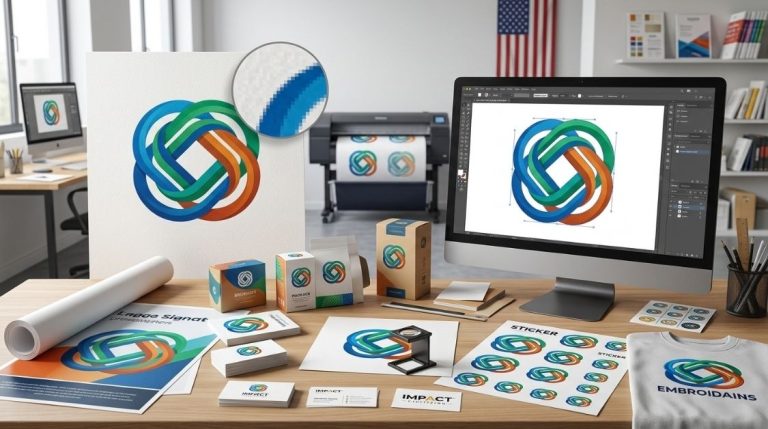
You send your own art. AI, PDF, and EPS are some examples of the best formats. PNG images can also be used, although vector graphics are preferred because they can be enlarged without sacrificing any quality. Submitting the correct file is critical for embroidery digitizing services to produce precise results.
- Path Mapping & Stitch Planning
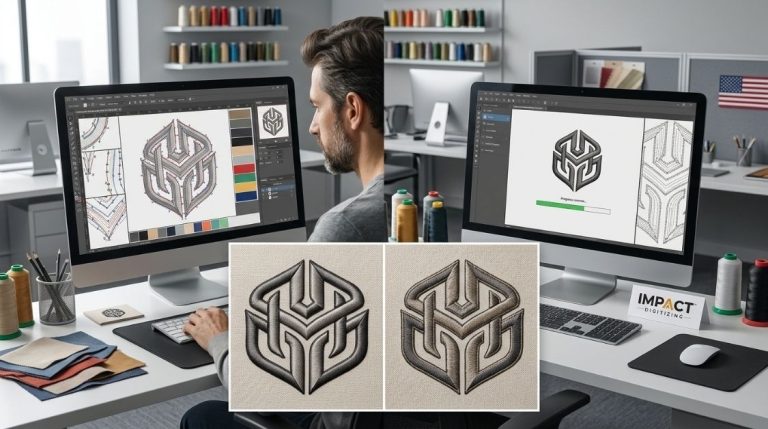
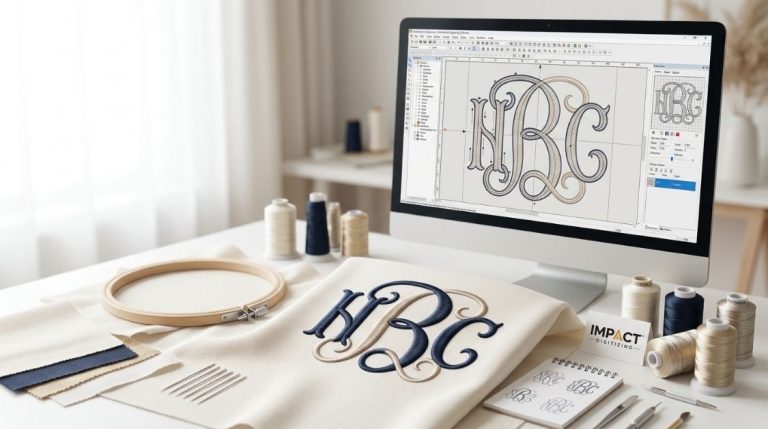
A trained digitizer analyzes the logo and assigns paths for stitches. They will select the ideal stitch types, such as satin, fill, or running stitches. This is the stage where custom embroidery logos start taking shape in a way that machines can replicate.
- Fabrics Specific Adjustments
The type of fabric will determine the type of padding, thickness, and adjustment for tension. Knit polo shirts require lighter fabric compared to heavy canvases. Proper embroidery digitizing services will ensure adjustments are tailored for each fabric type.
- Test Sew-Out
Before delivery, a sample is sewn on a similar fabric to check if everything lines up correctly, how thick it is, and how clear it looks. A test run is essential to verify the accuracy of logo digitizing for uniforms.
- File Delivery
They provide you with file formats that can be processed by your sewing machine, such as DST, PES, EXP, and JEF. This ensures your embroidery digitizing services are ready for immediate production.
The digitizing service usually gives you your desired file format in about 12-24 hours, depending on how urgent you want the work done.
Choosing the Right Stitch Types for Workwear
Here’s an easy table that shows various stitch types and when they’re best to utilize:
| Stitch Type | Best For | Detail Level |
| Satin Stitch | Text, thin borders | High |
| Fill (Tatami) | Large logo areas | Medium |
| Running Stitch | Fine details, outlines | Low |
| 3D Puff | Raised caps and bold designs | High impact |
Satin stitches narrower than 1.5 mm can collapse on heavy fabrics, so experienced digitizers adjust widths automatically.
Fabric Types & What Each Needs
Different fabric types behave very differently under a needle. Here’s how they compare:
| Fabric Type | Challenge | Digitizing Adjustment |
| Cotton (Polos, Jackets) | Stable, low stretch | Standard density |
| Polyester / Hi‑Vis | Slippery, reflective | Reduced pull, topping recommended |
| Fleece | Looped surface | Higher underlay, shorter stitches |
| Ripstop / Canvas | Dense weave | Heavier needle path, wider satin |
| Pique Knit | Textured surface | Topping layer essential |
This table highlights why one size doesn’t fit all. A good digitizer tailors settings to fabric behavior so your custom embroidery logos stay sharp after washes.
Common Mistakes That Ruin Embroidered Logos
Even with good artwork, these errors can ruin results:
- Auto‑digitizing software: Quick fixes often misinterpret complex logos, leading to misaligned stitches.
- Too small details: Fine elements below 0.5 cm disappear when stitched.
- Wrong underlay: Skipping or choosing an incorrect underlay causes logo lifting or distortion.
- No test sew‑out: Without it, you may discover issues only after bulk production costly and avoidable.
Choosing reputable embroidery digitizing services eliminates these common pitfalls.
Why Businesses Trust Impact Digitizing for Uniforms
At Impact Digitizing, we specialize in high-durability logo digitizing for uniforms. Every design is created entirely manually by people who have expertise with the use of embroidery machines. For companies looking for expert embroidery services, our logo digitizing services can be used to create machine embroidery files of artwork designed for different materials and stitch types.
- Global Compatibility: Works with several file formats such as DST, PES, and EXP.
- Rapid Service: Rush orders will be delivered within 24 hours.
- Risk-free: Modify your logo as much as you want until you come up with the perfect one.
Conclusion
Professional embroidery digitizing is an important process for designing quality logos. Each logo is tailored to the fabric and thread used at Impact Digitizing. It ensures that your custom embroidery logos stay colorful, no matter how many items you own.
FAQs
What is digitizing a logo?
Converting artwork into a machine-readable stitch file for embroidery.
Why are digitizers so expensive?
Expertise, precision, and time are needed for accurate, high-quality embroidery-ready files.
What skills are needed for digitizing?
Knowledge of stitch types, fabric behavior, thread density, and embroidery software.
How does embroidery digitizing work?
Logo is analyzed, stitch paths assigned, fabric adjustments made, and test sew-out completed.
What software is used to digitize embroidery designs?
Programs like Wilcom, Pulse, Brother PE-Design, or Hatch for professional embroidery files.