If you are an embroiderer, you already know how vital it is to pick the right file format. DST is an essential format for converting a JPG design because it is the standard format most embroidery machines read. Fortunately, the internet has a lot of resources that make this both easy and swift. Using professionally digitised designs from Impact Digitizing ensures your JPG conversions are smooth and stitch-ready.
This guide covers what a DST file actually is, the free and paid ways to create one from a JPG, a full step-by-step walkthrough, and the mistakes that cause most stitching problems.
What is a DST File?
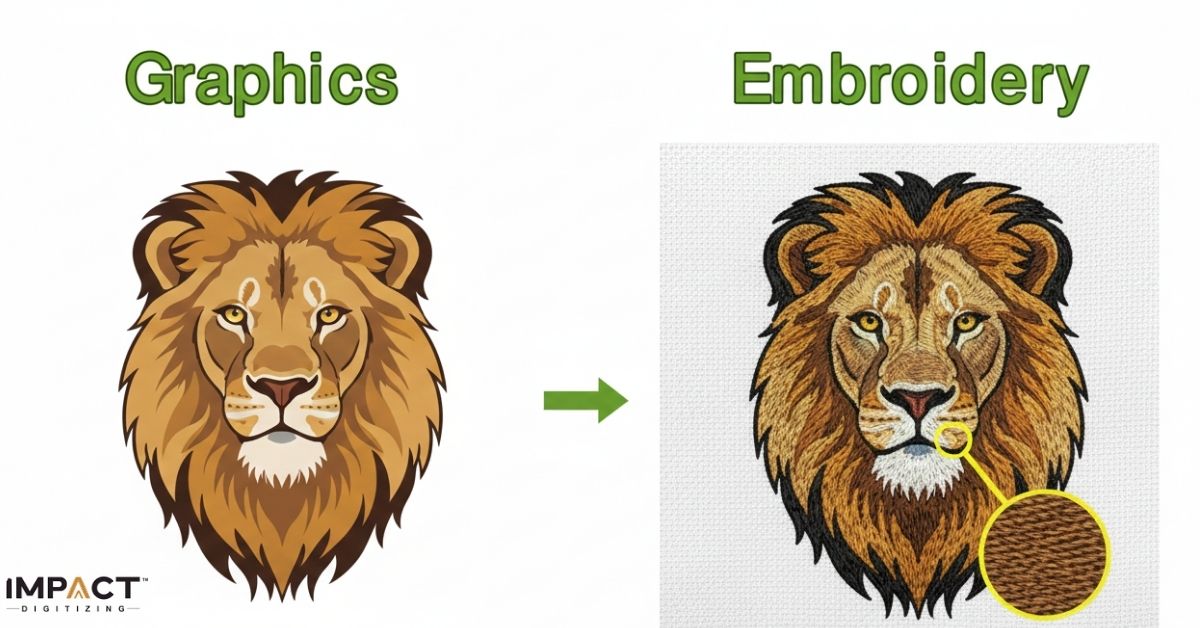
Before we start, it’s important to know that a DST file is not an image. A file contains instructions stitched together for machines like Tajima, Brother, and Bernina. The file stores exact sew paths, so your machine can reproduce the pattern precisely.
Some benefits of DST files include:
- Compatibility with the most popular embroidery machines.
- Precise stitch data for high-quality results.
- Simper editing and resizing without losing quality.
Free Online Converters vs. Digitizing Software
There are two realistic paths to get from JPG to DST, and which one makes sense depends on how much control you need.
1. Online converters
They are the fastest option. Upload your JPG, pick DST as the output, and download the result. No installation needed. They work well for simple designs: bold text, basic logos, low detail. The trade-off is limited control over stitch type, density, or path editing, so results on detailed artwork often come out rough.
2. Digitizing Software:
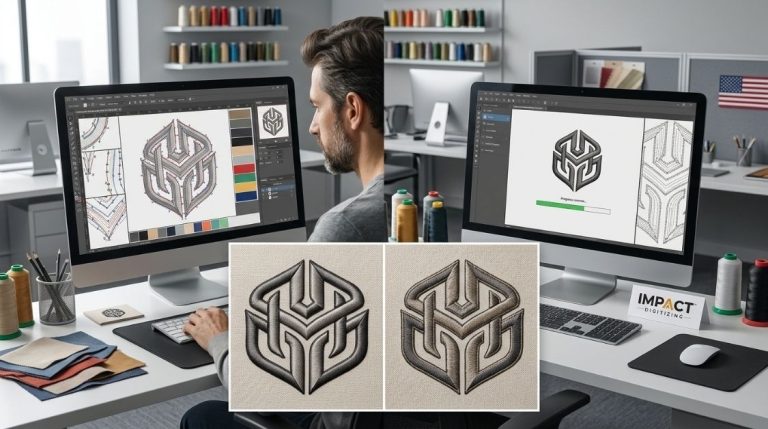
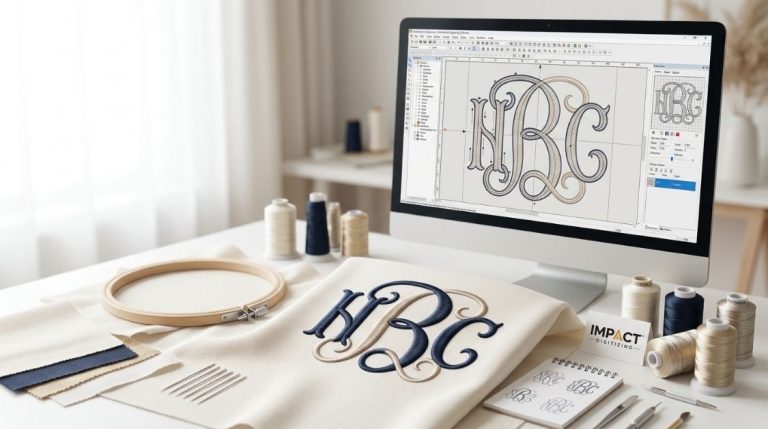
Wilcom, Hatch, Brother PE-Design, or the free option Ink/Stitch give you full control over stitch paths, density, and underlay. It takes longer to learn, but it’s the standard choice for detailed logos or anything going to a client. See our guide to digitizing software for beginners if you’re picking a tool for the first time.
If you only need one quick conversion, start with a free online converter. If you’re doing this regularly or need clean, editable results, learning basic software pays off fast.
How to Convert JPG to DST: Step-by-Step
Step 1: Prepare Your JPG Design
Before converting anything, get the image ready:
- Use a clear, high-resolution photo so fine details survive the process
- Remove background clutter or distracting elements
- Simplify the color palette; fewer colors generally mean cleaner stitching
A well-prepped image makes every method below faster and more accurate.
Step 2: Choose Your Conversion Method
If you’re going the online route, look for a tool with a simple upload interface, a preview of the stitch path before you download, and support for adjusting size or density. If you’re going the software route, open your chosen program (Wilcom, Hatch, Ink/Stitch) and import the JPG as your base layer.
Step 3: Set Your Output Options
Choose DST as your target format. If the tool or software allows it, adjust:
- Design size (match it to your hoop)
- Stitch density (lighter for delicate fabrics, denser for thicker ones)
- Color mapping, if your design has multiple thread colors
Step 4: Convert and Review
Run the conversion, then open the resulting DST file in embroidery software before sending it to a machine. Check for:
- Missing sections or gaps in the stitch path
- Overlapping or overly tight stitches
- Jump stitches that should be trimmed
Catching these now saves thread, fabric, and time later.
Step 5: Test Stitch Before the Final Run
Run a test stitch-out on scrap fabric if possible, especially for a new or detailed design. This confirms density, tension, and hoop alignment before you commit to your final material.
Step 6: Start Embroidering
Transfer the finished DST file to your machine via USB, memory card, or direct connection. Choose your thread colors, hoop the fabric securely, and watch the first few stitches closely to confirm everything is tracking correctly.
Common Problems When Converting JPG to DST
- Blurry or missing stitch detail: usually from a low-resolution source JPG. Start with the sharpest image available.
- Puckered fabric: stitch density set too high for a lightweight fabric; lower it before running the final piece.
- Broken threads mid-stitch: often caused by overly fine detail in the original image. Simplify the design rather than force the detail.
- Colors bleeding into each other: happens when the JPG has too many similar shades. Reduce the palette before converting.
Tips for a Better JPG to DST Conversion
- Always save a copy of your original JPG file.
- Make designs simpler with fewer details for easier sewing.
- Try out smaller versions of your design first.
- Use a trusted JPG to DST converter to prevent damaged files.
These practices make the JPG to DST conversion more reliable and professional.
Conclusion
As you probably thought, converting designs to digital formats isn’t that hard. You will be able to convert JPG to DST in a flash and get professional-looking embroidery results with a good JPG to DST converter and the steps above. Whether it is for work or play, this method makes sure that your patterns sew cleanly and saves time. For best results, use a trusted JPG to DST tool to ensure accuracy and quality.
For best results, let Impact Digitizing handle your file prep and digitizing with expert precision.
FAQs
How to convert a JPG to a DST file?
Just upload your JPG to a trustworthy web program and select DST as the desired outcome.
How do I convert an image to embroidery data?
The image should be converted, utilising software for embroidery or an online converter, into a machine-ready file in DST format.
What is the DST file format?
DST is a format for machine embroidery utilising stitch information rather than picture information.
Which image format works best for embroidery?
Clean JPG or PNG photos work best with well-defined edges and a simple background.
Which software creates the DST files?
Popular options include Wilcom, Hatch, Brother PE-Design, and online tools that convert JPGs to DST.
Is there a free way to convert JPG to DST?
Yes, free online converters handle simple designs, and Ink/Stitch is a solid no-cost option if you’re willing to learn a bit more software.