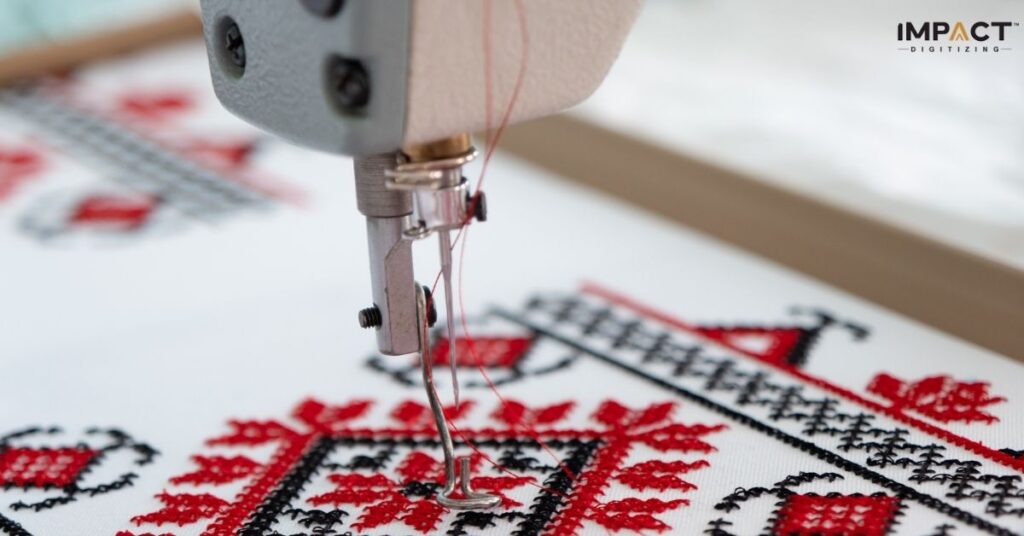

Brother embroidery machines are very reliable, however, like all other machinery, Brother sewing machine troubleshooting problems do arise now and then. Knowing common issues can save you time and frustration. We look at some common problems that a Brother sewing machine has and how a troubleshooting table for embroidery machines can help get them to work right. Accurate digitized designs from Impact Digitizing also help reduce stitch-related issues that users commonly face.
Common Brother Sewing Machine Problems
Even for experienced users, there are chances for occasional glitches with a Brother sewing machine. The various frequent issues comprise:
1. Thread Breakage
Thread breakages occur when the thread is set wrongly, when either too great or too little tension is applied, and when the thread quality is poor.
2. Skipped Stitches
This generally occurs when the needle becomes too dull, when the wrong type of needle is being used, or in case of improper stretching of the fabric in the hoop.
3. Machine not sewing
This can be due to its incorrect setup, the foot pedal malfunctioning, or the bobbin getting clogged.
4. Unaligned embroidery patterns
Misaligned embroidery patterns are due to the wrong placement of the hoop or incorrect settings of the machine.
First, understand the problem clearly; then, only will a solution be effective.
Using a Troubleshooting Table for Embroidery Machines
The easiest way to solve some problems with an embroidery machine is to use the troubleshooting table for embroidery machines. It allows quick identification of a problem, its cause, and a practical solution in many cases. Thread breaks are usually a consequence of low-quality thread, and one should just change thread of better quality. Skipped stitches can appear because of a damaged needle, and machines can jam due to lint accumulation. Uneven tension is regulated by changing settings, whereas error codes need to be looked up in the manual, or problems need to be discussed with support. This brother sewing machine troubleshooting guide keeps your machine in good working condition and saves you time.
Step-by-Step Fixes for Brother Sewing
The following are some of the most frequent Brother sewing machine problems and their solutions:
1. Thread Breakage
- Check the threading path and rethread carefully.
- Replace old or low-quality thread.
- Adjust the tension settings for various kinds of fabrics.
2. Missed Stitches
- Utilize the right needle for the sort of fabric and the fastening you’re making.
- Extend the texture firmly and equally in the hoop.
- Clean the needle plate and bobbin area to remove dirt or dust.
3. Machine Not Sewing
- Ensure that the bobbin case is not stuck and that it is in a decent, well-placed position.
- First, check whether the foot pedal is getting power and that the position is not switched off.
- If necessary, restore the machine to factory settings.
4. Uneven Embroidery Designs
- Use the appropriate stabiliser for the fabric.
- Make sure the fabric is safely and tightly re-hooped.
- Stitching must be double-checked for alignment using the preview function of the machine.
Brother Sewing Machine Troubleshooting Guide Tips
Here are some brother sewing machine troubleshooting guides that will be more helpful.
- Regular Maintenance: Keeping your machine in the best shape is often done by oiling moving parts and changing needles as necessary.
- Use Real Accessories: Real bobbins, needles, and thread help avoid problems.
- Keep Manuals on Hand: The manual of the machine and other online guides take you through problem-solving steps one by one.
- Stay current: Several Brother printers have updates that will resolve software problems.
When to Seek Professional Help
Some of them need the assistance of a professional when other people have problems that are simple to resolve. If the above steps fail to make the machine operate, then contact a Brother service center. You can void your warranty or make things worse if you try to fix complex problems without the right training. This is the case when brother sewing machine troubleshooting problems arise that require expertise.
Conclusion
Sewing and embroidery machines made by Brother are nice and function effectively. However, sometimes there can be minor faults in the machine. A brother sewing machine troubleshooting guide and a troubleshooting table for embroidery machines will assist the user in fixing brother sewing machine troubleshooting problems, such as thread breakage or skipping stitches. Maintenance of equipment, using the right thread, and having proper accessories will improve the performance of your brother sowing machine. All this allows completion of projects with ease and prolongs machine life.
For clean, precise stitch-ready files, choose Impact Digitizing. Fast, accurate, and reliable.
FAQs
1. How to reset the Brother embroidery machine?
You need to first turn the Brother machine off and unplug it. Hold up for five to ten minutes. Plug it back in or utilize the menu reset.
2. What is the most common problem with the sewing machine?
Common issues manifest as broken threads, skipped stitches, jammed bobbins, or tension problems. The best solution is routine, cautious maintenance.
3. Why did my sewing machine suddenly stop?
Often, sudden stops are triggered by any power problem, a jammed bobbin, or a foot pedal that is loose. Double-check all the connections just before applying.
4. How to Fix a Sewing Machine That Won’t Turn On?
Verify the power, pedal, and connections. Unplug the machine for a few minutes, then plug it back in and test again.
5. What is the best tension setting on a Brother embroidery machine?
The tension for most fabrics is medium, or 4–5. Always test on scrap cloth to avoid puckering or breaking.