
Starting an embroidery business and don’t know where to start? Well, getting started with embroidery design might feel a little overwhelming. Beginners often ask, “What’s the best software to start with?” And the truth is, you don’t need some tricky software or complex tools. As a matter of fact, you need beginner-friendly software that helps you learn the basics, practice simple designs, and eventually grow your skills.
This guide explores the best digitizing software for beginners in embroidery. You’ll also learn how to convert an image to an embroidery file and find options that are both reliable and affordable.
Why Do Beginners Need the Right Software?
There are a lot of embroidery software programs in the market; some are for professionals, while others are best for starters. Here are a few key properties that the right software should have.
- They will be easy to navigate.
- Offer simple digitizing tools.
- Support common embroidery machine formats.
- Some might also provide tutorials or guidelines.
- Most importantly, they will be affordable for long-term use.
If you choose a good software program in the beginning and work on it. You will save time, avoid frustration, and build your basics easily.
From Beginners to Pro: Know Your Embroidery Software Types
As beginners, when selecting the best embroidery software, you must know the available types. Since each offers a different and unique function. This makes it essential to differentiate between programs that perform specific tasks and those offering advanced capabilities.
File Converters
These tools change embroidery files into formats your machine can support, like .pes or .jef.This process doesn’t mean one can upload a .jpg, .svg, or .png image for automatic format conversion. It only applies to transferring compatible formats within a library of machine-supported files.
Thumbnail Software
This lets you see your designs as images instead of blank icons for better file organization. This eliminates the frustration of dealing with unknown file types.
Editing Software
This is the fun part. This software helps to resize, split, recolor, and adjust stitches in pre-made designs. This kind of software provides flexibility for detailed editing. Whether you’re adjusting the designs themselves or improving their overall appearance for embroidery. You can also change the colour of the thread overall, giving high-quality embroidery every time.
Font Programs
Perfect for adding names or monograms. Some convert fonts into embroidery files.
Best Beginner-Friendly Software
Here are some trusted options for beginner-friendly software in embroidery digitizing:
1. Ink/Stitch
- A free extension for Inkscape.
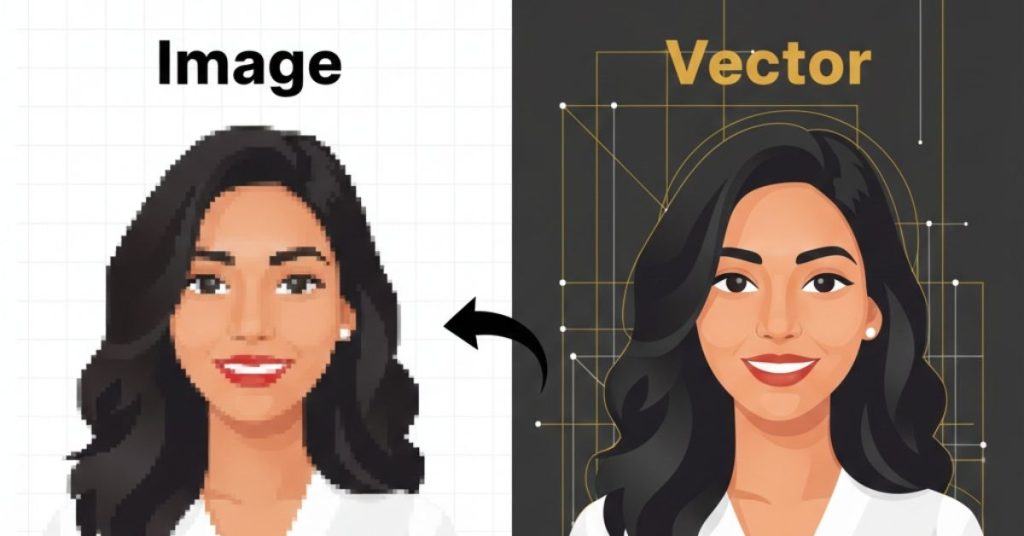
- Works well for vector-style designs.
- Great for anyone starting on a budget.
- Lets you experiment with different stitch types.
2. Hatch Embroidery Software (Personalizer Level)
- Has a simple interface.
- Allows resizing, lettering, and basic edits.
- Offers trial versions to test before you purchase.
- Ideal for learning without advanced complexity.
3. SewArt
- It is affordable with a focus on simplicity.
- Lets you convert image to embroidery files in just a few steps.
- Includes automatic color reduction for easier digitizing.
4. Brother PE-Design Lite
- Created for Brother embroidery machines.
- Beginner-friendly with quick learning curves.
- Best for users already using Brother hardware.
5. Embird Basic
- Flexible design.
- Good for both beginners and advanced users.
- Affordable with add-ons available as you grow.
Converting an Image to an Embroidery File
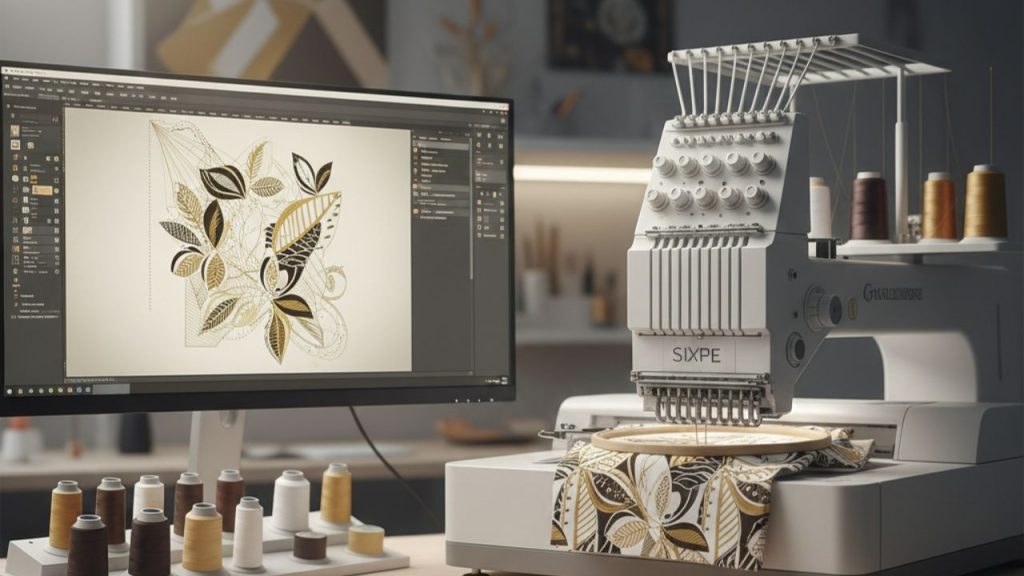
One of the most common beginner tasks is how to convert an image into an embroidery file. To turn a picture into a stitch-ready design is very easy if you follow these simple steps.
- Firstly, import your image into the software.
- Adjust colors and clean up details.
- Use vector tracing or auto-digitizing tools (if available).
- Assign stitch types and directions.
- Save in your machine’s file format.
With practice and time and dedication, you’ll learn when to rely on auto tools and when to adjust manually for the best stitch quality.
Conclusion
Embroidery digitizing can be simple. With user-friendly software, you can practice, explore, and create designs easily. Beginner-friendly software programs like SewArt, Ink/Stitch, and Embird Basic offer a good mix of ease of use and affordability.
Lastly, if your skills are bare and time is short, Impact Digitizing offers professional services that save you time and ensure perfect stitch quality.
Ready to bring your designs to life? Contact Impact Digitizing today to get started.
FAQs
1. What is the easiest embroidery software for beginners?
SewArt and Ink/Stitch are among the most beginner-friendly software options because they are simple and affordable.
2. Can I convert an image to an embroidery file with free software?
Yes. Programs like Ink/Stitch allow you to convert an image to an embroidery file without paid tools. However, free versions may have limited features.
3. What is the most affordable embroidery software?
SewArt and Embird Basic are considered affordable embroidery software that balance cost and features well.
4. Do I need paid software to create professional embroidery designs?
Not always. Free software is good for practice, but paid tools often give better stitch control and advanced features.