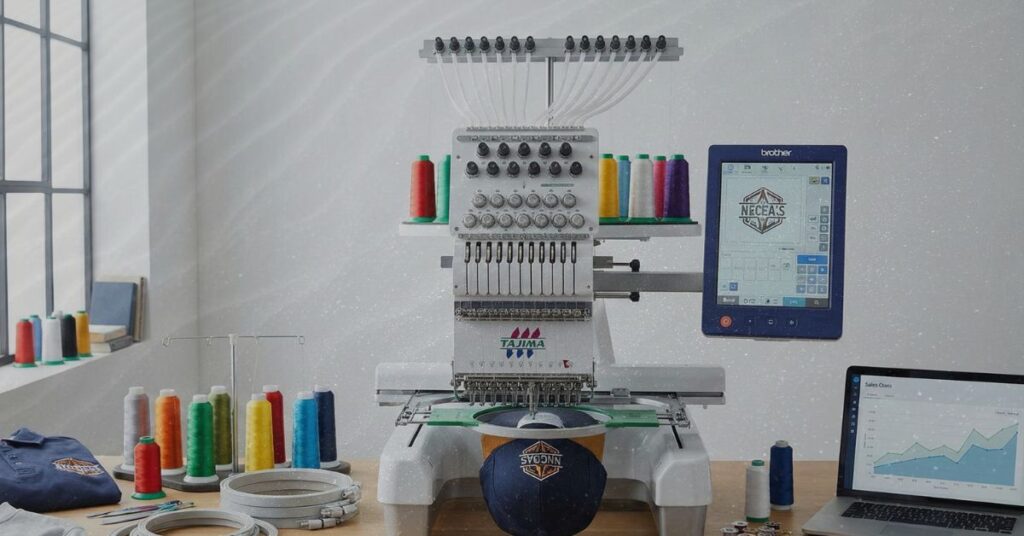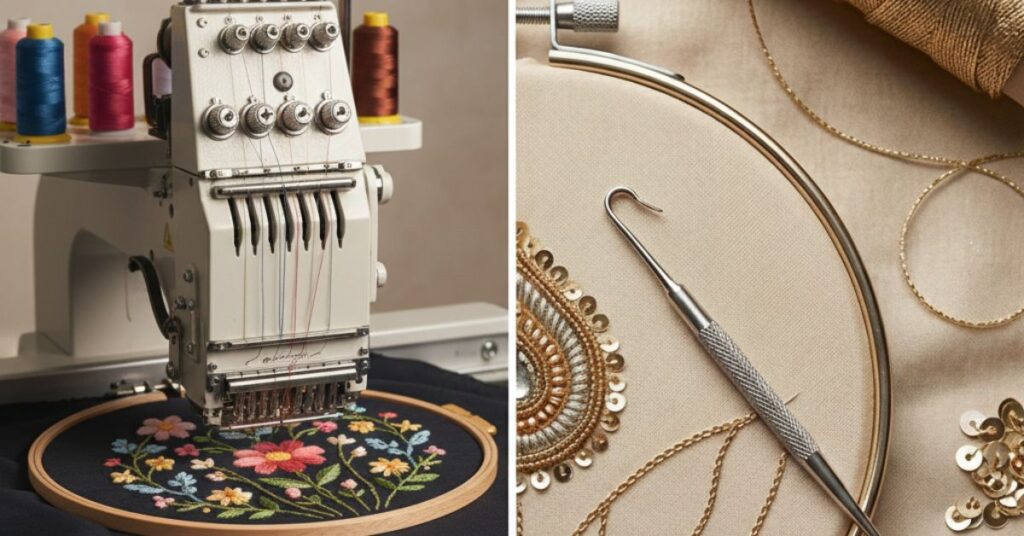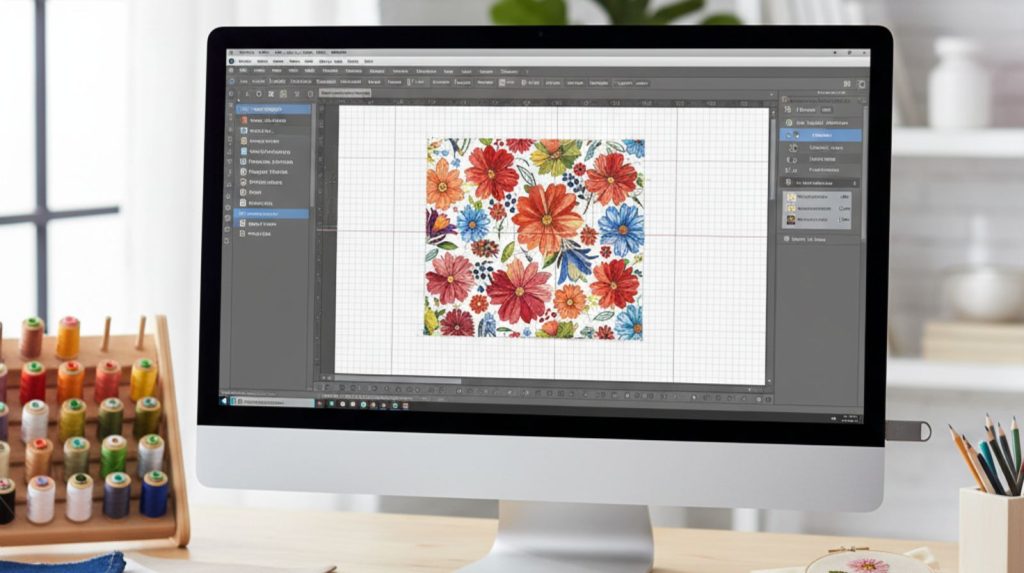
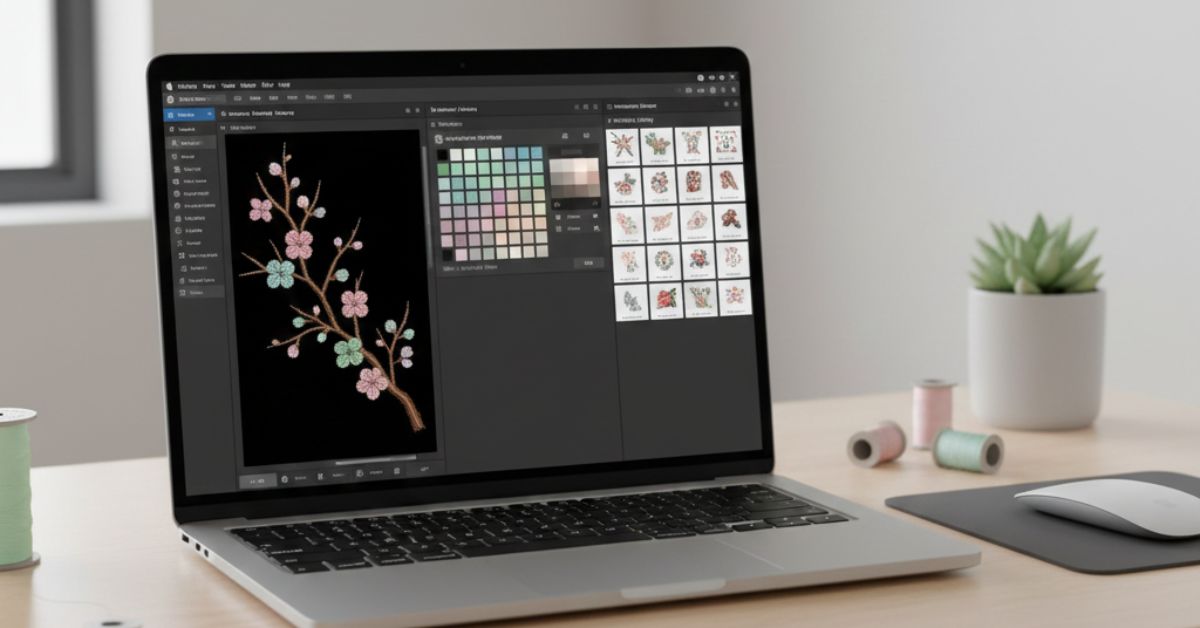
Embroidery is one of the most creative ways to add beauty to any fabric. It lets you turn ideas into colorful stitch designs that feel personal and unique. But for people who use Macs, finding the right software can be hard. Most embroidery software programs are made for Windows, but now Mac users can also enjoy the same experience with the right tools. They run smoothly and are easy to learn.
Top Embroidery software for Mac
These programs help you draw, edit, and preview your stitch designs before you start. Here are some of the best embroidery software for Mac that make designing fun and simple.
1. Embrilliance Essentials
Embrilliance is one of the most popular embroidery programs for Mac users. It runs perfectly on macOS and is very beginner-friendly. You can change colors, resize your design, and combine patterns easily. It feels light and smooth and does not need any extra setup.
Why people like it:
It supports many file formats and is easy to understand. It doesn’t confuse you with complicated tools. Even first-time users can learn it within minutes.
Best for:
Anyone who wants simple and reliable software for embroidery work. It works well for basic editing or quick changes. It’s perfect if you just want something that works without any stress.
2. TruEmbroidery 3
TruEmbroidery 3 is made only for Mac computers. It has a clean layout and gives you a clear view of how your stitches will look. The tools are professional yet simple to use. You can easily edit designs without feeling lost. It helps you make your embroidery look exactly how you want.
Why people like it:
It works smoothly on Mac and shows exactly how your stitches will appear on fabric. You can try different colors and patterns before stitching. It makes planning your embroidery fast and simple.
Best for:
People who want high-quality embroidery results with full control. It’s great if you want to adjust every small detail. Perfect for anyone who wants professional-looking designs without extra hassle.
3. Ink Stitch
Ink Stitch is a free embroidery digitizing software that Mac users can download. It helps you make stitch designs from drawings or images. It is open source, which means anyone can use it for free. You can turn almost any picture into an embroidery design. It’s simple enough for beginners but useful for more detailed work too.
Why people like it:
It doesn’t cost anything and still has many useful tools. You can customize your designs easily and experiment without worry. It’s simple enough for beginners to pick up quickly.
Best for:
Anyone who wants to try embroidery digitizing without spending money. It’s great for hobbyists and people who like to create their own designs. You can start with small projects and slowly try more detailed designs.
4. SewArt
SewArt is a beginner-friendly digitizing software for Mac that turns images into stitch files. It is easy to understand, even for new users and includes a free trial. You can quickly turn your pictures into embroidery designs. It’s light and doesn’t feel complicated.
Why people like it:
It is simple, fast and helps beginners learn embroidery digitizing easily. You can see your design before stitching and it makes learning embroidery less stressful.
Best for:
People who want to start creating embroidery designs without confusion. It’s great for small projects or just practicing your skills. You can jump right in and start making your own designs.
5. StitchBuddy
StitchBuddy is a simple Mac app for editing embroidery files. It opens designs quickly and lets you resize, recolor or tweak small details with ease. You don’t need any experience to use it and it works smoothly even on older Macs, making small edits fast and stress-free.
Why people like it:
People love StitchBuddy because it gives you exactly what you need for small edits. The tools are simple, easy to understand and let you make changes fast. There are no confusing features so you can focus on your designs without stress.
Best for:
People who want to make small changes to their embroidery designs. Beginners and casual users will find it especially handy. It’s not meant for large, professional projects but for little tweaks, it does the job perfectly.
If you’re looking for professional embroidery services, Impact Digitizing offers expert solutions for high-quality custom designs, ensuring your visions are translated perfectly into fabric.
Conclusion
You can now find the right embroidery software for Mac without any hassle. Ink Stitch is an excellent free option, while Embrilliance Essentials and TruEmbroidery 3 provide the tools professionals need. For beginners, SewArt and StitchBuddy make creating and editing designs simple and efficient. The right software can help your Mac bring your embroidery ideas to life exactly the way you want.
FAQs
1. Can Mac users use Windows embroidery software?
Not all Windows embroidery programs work on Mac. Some can run using extra tools, but it is easier to use software made for Mac.
2. Do I need a powerful Mac for embroidery software?
Most programs work well on normal Macs. Big designs or professional programs may need a newer Mac, but beginners can use almost any Mac.
3. Can I use designs made on Windows with Mac software?
Yes. Most Mac embroidery programs can open files made on Windows, like PES, DST, or VP3. You can use them just like any other design.
4. Can I try professional Mac embroidery software for free?
Yes. Many programs have free trial versions so you can test them before buying.
5. Can I use these programs without an embroidery machine?
Yes. You can create and edit designs on your Mac. But to stitch them on fabric, you need an embroidery machine.
6. Are these programs easy for beginners?
Yes. Programs like Ink Stitch, SewArt, and StitchBuddy are simple to use. They show clear previews and don’t need prior embroidery experience.